👑 Welcome to the AI Twin Creation Bundle
A.I. Twin Mastery
🧰 Online Tools You Will Need
To successfully complete this module, please make sure you have access to the following tools:
Pinterest
Used for research, inspiration, trend discovery, and visual idea validation.ChatGPT
Used for content creation, brainstorming, scripting, outlining, and strategic thinking.Google Gemini
Used as a secondary AI tool for idea expansion, research support, and alternative perspectives.Google Docs
Used to write, organize, and store your scripts, prompts, and working documents.OpenArt AI
Used to generate high-quality visuals, mockups, and creative assets.
Some A.I. Twins from Member of Academy Six DM 2.0
Prompt Vault: Access by clicking here.
🎯 Bonus: What to Fix If Your AI Twin Doesn’t Look Like You
Creating an AI twin is a process, not a one-click moment. If your image doesn’t look right the first time, that does not mean you did anything wrong. Use this guide to quickly diagnose and fix the most common issues.
Issue 1: The Makeup Looks Too Heavy or Unreal
What’s happening:
The AI is defaulting to glam or editorial makeup because it wasn’t guided clearly.
What to fix:
Add one or more of these phrases to your prompt:
“Minimal makeup”
“Natural makeup base”
“Soft, everyday makeup”
“Bare skin with light enhancement”
Then regenerate the image.
📌 Tip: Always specify makeup if you want it toned down. Silence gives AI permission to exaggerate
👤 Issue 2: The Face Is Drifting or Doesn’t Fully Look Like You
What’s happening:
The AI is slowly changing facial geometry because the facial lock wasn’t strong enough.
What to fix immediately:
Start a brand-new chat (this is critical)
Upload your original reference photo again
Paste your facial accuracy block at the top of the prompt:
Keep the exact same face, facial structure, bone structure, skin tone, undertones, lip shape, eye shape, makeup base, and hairline of the person in the reference image. Do not alter or morph her facial geometry, proportions, or symmetry in any way. Maintain full likeness accuracy.
Then regenerate.
📌 Tip: Never keep prompting inside a chat that has already drifted.
🔁 Issue 3: You Keep Getting the Same Image Over and Over
What’s happening:
The AI has “locked” into a result and is no longer interpreting new instructions.
What to fix:
Do not tweak the same chat
Start a new session
Re-upload your image
Paste your full prompt again
📌 Tip: New chat = fresh interpretation. This solves the issue 90% of the time.
✨ Issue 4: The Skin Looks Fake, Plastic, or Too Smooth
What’s happening:
The AI has “locked” into a result and is no longer interpreting new instructions.
What to fix:
Do not tweak the same chat
Start a new session
Re-upload your image
Paste your full prompt again
📌 Tip: New chat = fresh interpretation. This solves the issue 90% of the time.
Alternatives: Creating with Dzine
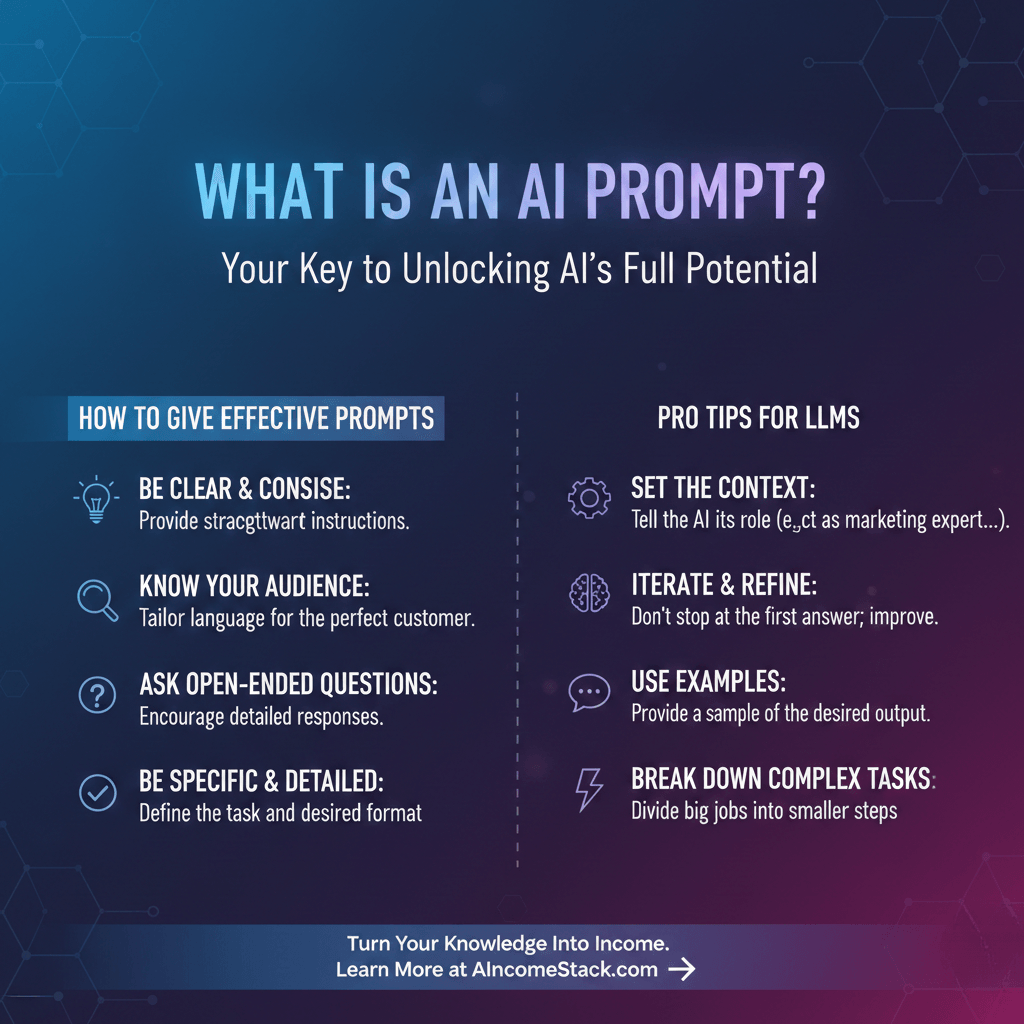
Bonus Material: Understanding Prompting